How to Schedule Instagram Posts, Reels & Stories in Advance
Everything you can schedule on Instagram — posts, Reels, carousels, Stories — and the fastest way to queue a full week in advance.
The Crossposting Team
Crossposting.xyz
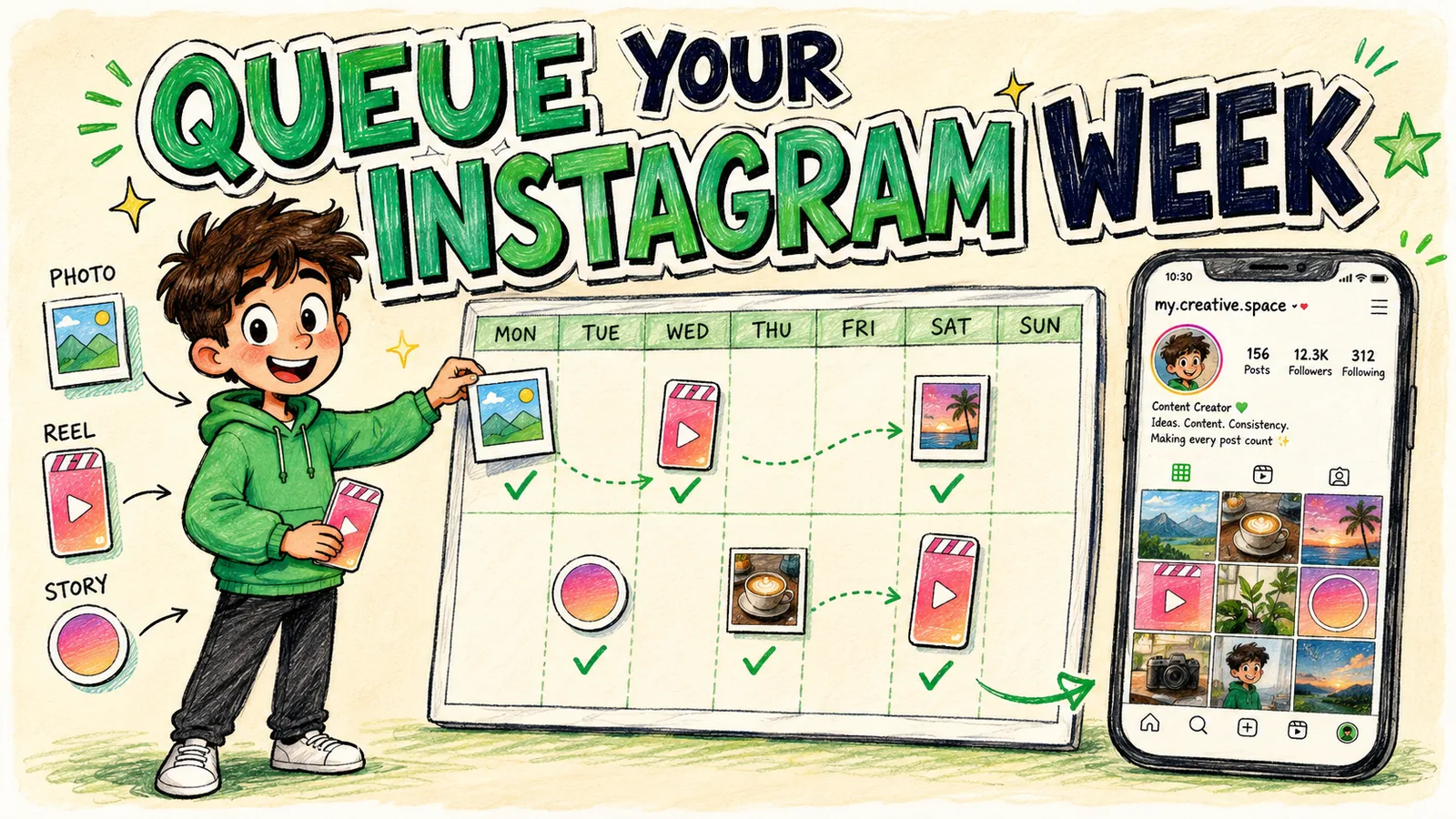
You can schedule Instagram posts, Reels and carousels in advance, either with Instagram's own planning tools or with a third-party scheduler connected through the official API. The account has to be a professional one, which is a free switch in settings. Stories are the awkward exception, and most creators post those by hand.
This guide covers what you need before you start, both scheduling routes and when each makes sense, the step-by-step setup, what each content type does in a queue, how to plan your grid while you schedule, and the handful of problems that come up on everyone's first week.
What you need before scheduling Instagram posts
Three things, and the first one is non-negotiable because Instagram enforces it at the API level.
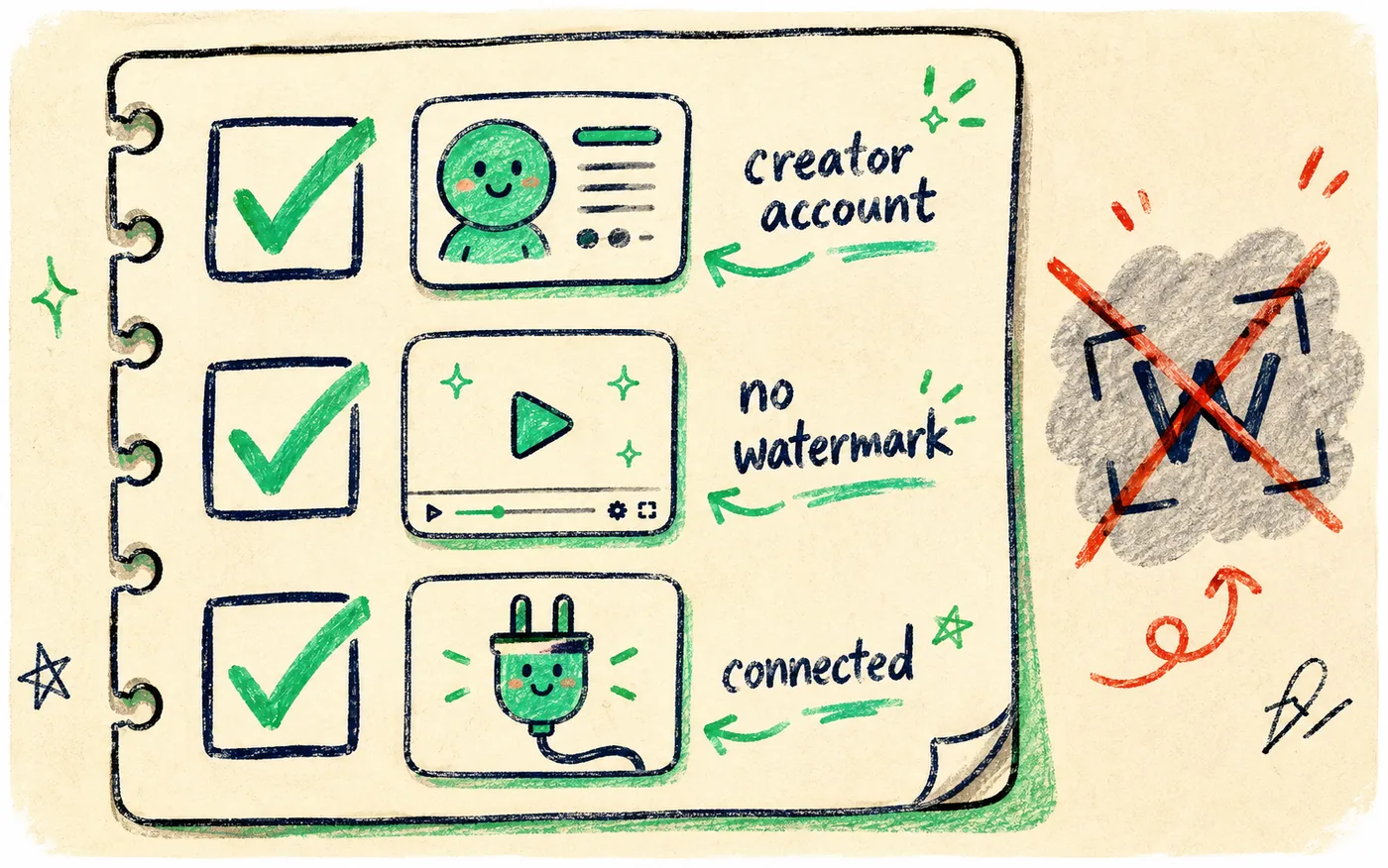
- 1A business or creator account. Settings, then Account type, then switch. It's free, reversible, and it unlocks both scheduled publishing and Instagram Insights. Personal accounts cannot be scheduled to, by any tool, ever.
- 2A clean native file. 9:16 at 1080 × 1920 for Reels, 4:5 or 1:1 for feed photos, and no watermark from another app baked into the corner.
- 3A publishing connection. Either Instagram's built-in planner or a scheduler you've authorised through Instagram's own login screen.
If a tool asks for your Instagram username and password directly instead of bouncing you to Instagram's login page, close the tab. Official API access never works that way, and handing over credentials is how accounts get lost.
Brand-new accounts: wait a week
If the account is only a few days old, post manually from the app for about a week before you point a scheduler at it. A fresh account that suddenly publishes several times a day through an API looks automated to Instagram's spam systems, and people blame the scheduler for what is really an account-age problem.
Two ways to schedule Instagram, and who each one is for
Both routes publish real native posts. The difference is how many platforms you're covering and how much of your week you want back.
Option 1: Instagram's native planning
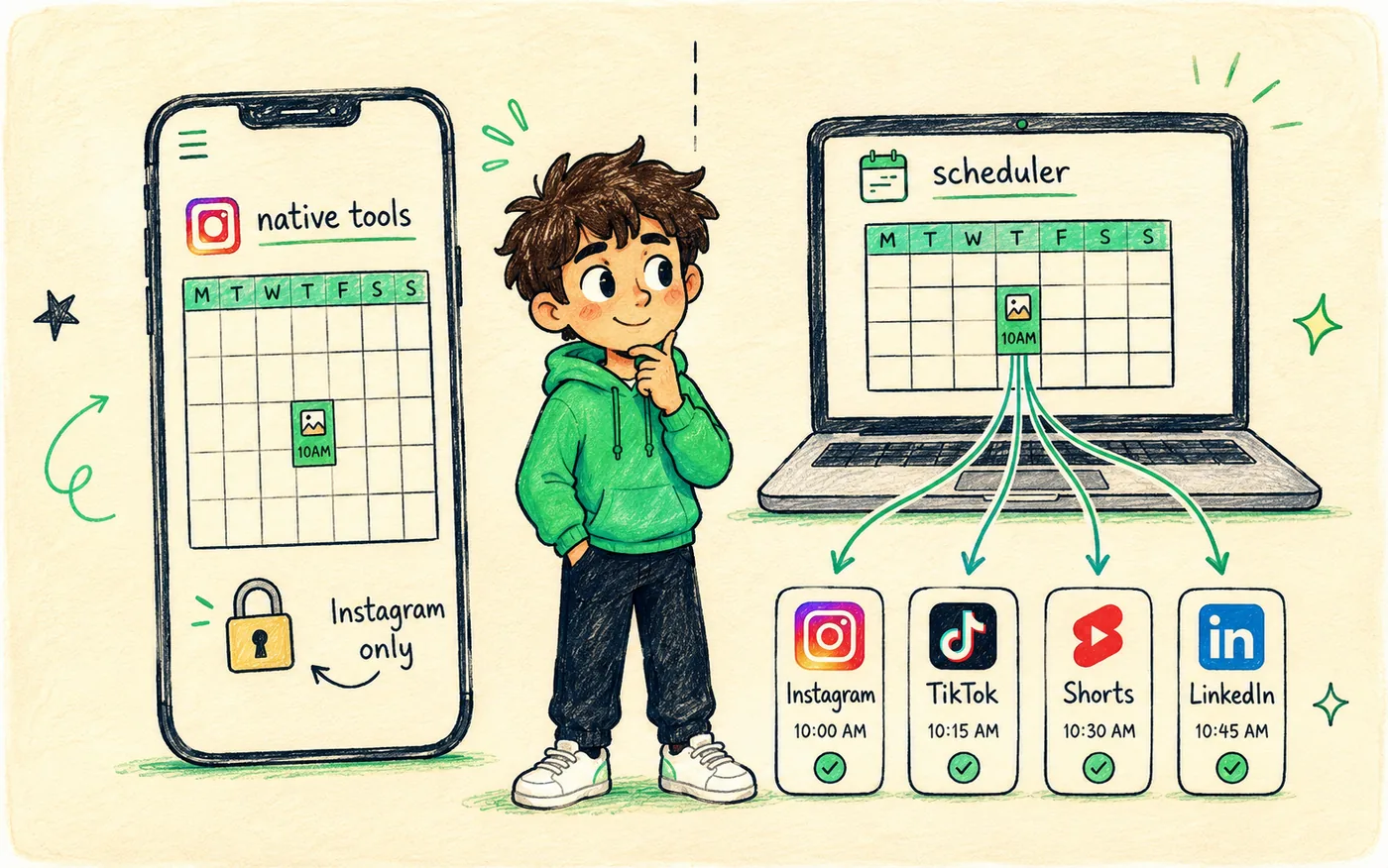
Instagram's professional tools let you schedule feed posts and Reels roughly 75 days ahead, from the app or from Meta's business suite. It costs nothing, there's no extra login, and the posts behave exactly like anything else you publish.
The catch is the obvious one. It only handles Instagram. If Instagram is genuinely your only platform, use it and skip the rest of this section. You do not need a tool to solve a problem you don't have.
Option 2: a third-party scheduler
A scheduler connects Instagram next to your other accounts, so one Reel goes to Instagram, TikTok and YouTube Shorts in a single action with a different caption on each. You get one calendar instead of four, and the per-platform captions stop the whole thing reading like a bot.
This is the right choice the moment Instagram is one of three or more platforms you post to. Opening three separate native planners is the same app-switching treadmill you were trying to get off. If you're weighing options, we compared them honestly in the best social media scheduler for creators.
| Native planner | Scheduler | |
|---|---|---|
| Platforms covered | Instagram only | Instagram plus everywhere else |
| Cost | Free | Free tier, then a few dollars a month |
| Captions per platform | Not applicable | Written once, adapted per platform |
| Grid preview | Basic | Usually full drag-and-drop |
| Worth it when | Instagram is your only platform | You post to three or more |
Read that last row and be honest about which one you are. Plenty of people pay for a scheduler they don't need, and plenty of others spend an hour a day proving they do.
How to schedule an Instagram post, step by step
Five steps. The first two happen once, the rest repeat every week and take about twenty minutes for five posts.
- 1Switch to a business or creator account if you haven't. Instagram will ask which category you are. It doesn't matter much, pick the closest and move on.
- 2Connect the account in your scheduler through Instagram's own login screen, and approve the permissions it asks for.
- 3Upload the clean file and write the caption. If you keep hashtags out of the caption, add them as the first comment now rather than remembering later.
- 4Set the date and time for your audience's window, not yours. Check the timezone on the account while you're there.
- 5Schedule it and open the week view. Look for empty days, two posts stacked an hour apart, and anything that will have gone stale by its slot.
That last step is the one everyone skips and the only one that catches a mistake before it publishes. The full cross-platform version of this workflow is in how to schedule social media posts.
A scheduled week you never reviewed is just a mistake with a delivery date.
What can and can't be scheduled on Instagram
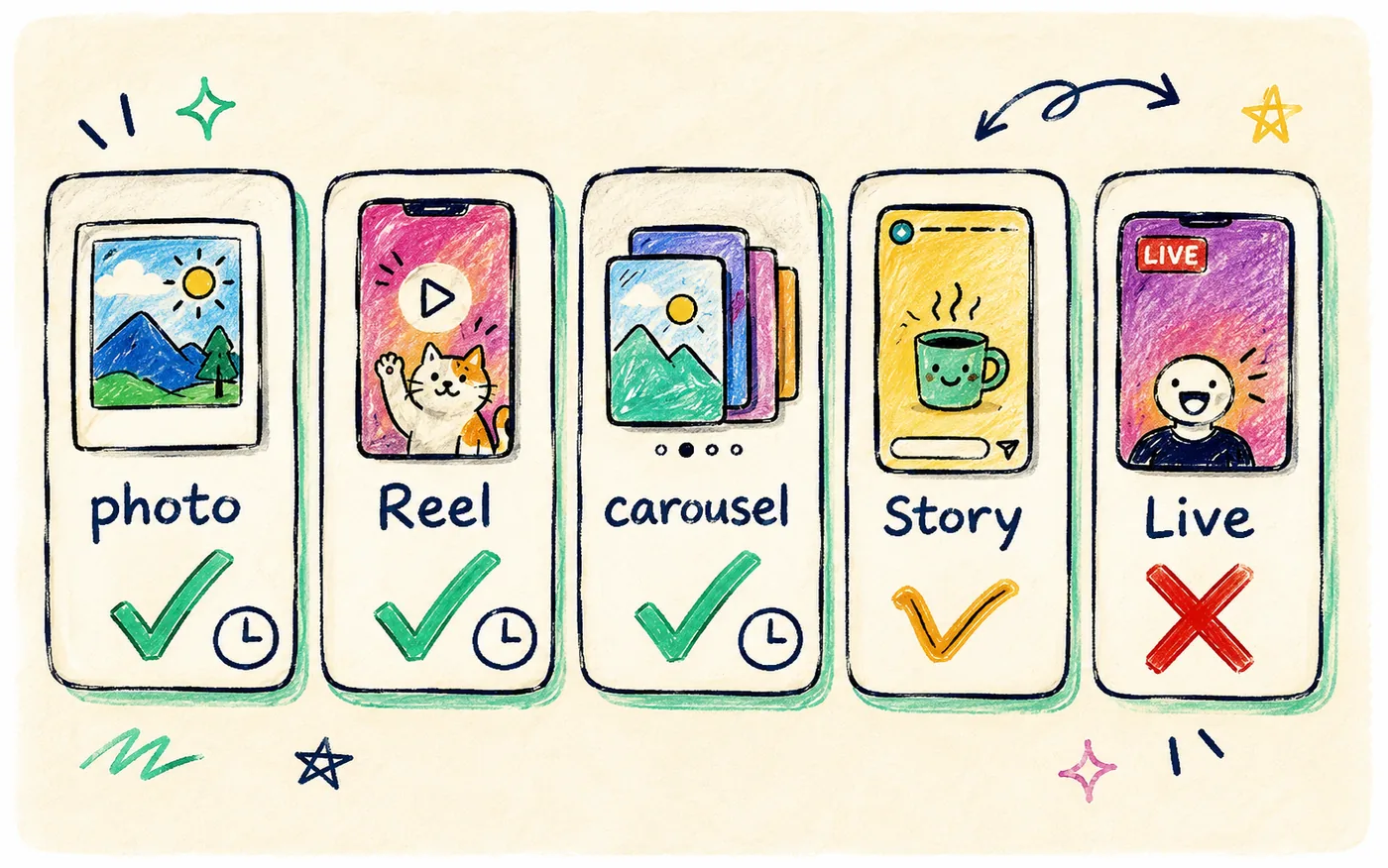
Not every content type behaves the same in a queue. This table is worth knowing before your first batch, because it explains most of the confusion people hit.
| Content type | Schedulable | Notes |
|---|---|---|
| Feed photo | Yes | Fully supported, publishes on the second |
| Reel | Yes | The one that carries your reach |
| Carousel | Yes | Image order locks when you schedule |
| Story | Limited | API support varies by tool |
| Live | No | Real time only, by definition |
The practical read: build your queue out of Reels and carousels, treat Stories as a live activity, and stop trying to automate Live. If a post ever fails, it will almost certainly be a video, and it will almost certainly be the file rather than the tool.
About Stories
Story scheduling is the flakiest part of Instagram automation because the API support is thin and inconsistent between tools. Most creators queue posts and Reels, then post Stories manually. That's fine. Stories are quick, they expire in 24 hours, and half their value is that they feel unplanned.
Reels deserve more care than the rest
Instagram's reach in 2026 lives in Reels. A feed photo talks to people who already follow you. A Reel is the only format that reliably reaches people who don't.
- Upload a clean file. A TikTok watermark on a Reel gets it quietly deprioritised, and no caption trick undoes that. Export from your editor, never download from another app.
- Set the cover frame deliberately. It's the thumbnail in your grid forever, long after the Reel stops circulating.
- Write for saves and shares. Those are Instagram's heaviest signals, heavier than likes by a wide margin.
- Keep it under 30 seconds unless the idea genuinely needs longer. Completion rate is the first gate.
- Be there in the first hour. Scheduling saves the upload, not the conversation.
And if you're making Reels at all, posting them only to Instagram wastes most of the work. The same export runs on TikTok and YouTube Shorts with a different caption, which we walk through in cross-posting from Instagram to TikTok.
Best times to schedule Instagram posts
Instagram weighs early engagement heavily, so the hour you land in decides how much of an initial push a post gets. Start with these defaults in your audience's local time, then throw them away once you have your own data.
| Content type | Reliable window | Why |
|---|---|---|
| Reels | 11am–1pm, 7–9pm | Lunch break and post-dinner scrolling |
| Feed photos | Mid-morning, early evening | Followers checking in, not discovering |
| Carousels | Weekday mornings | People need a minute to swipe through |
| Stories | Morning and late evening | Bookends of the day, 24h shelf life |
After two weeks of scheduled posting, your Instagram Insights will show your own peaks, which are usually an hour or two off any published chart. Move your slots to match and stop reading generic charts. The cross-platform version of this data lives in best time to post on social media.
Don't over-tune the hour
A strong Reel at a mediocre hour beats a weak Reel at the perfect hour, every single time. The posting window is worth a few percent. What you filmed is worth everything else. Get the slot roughly right, then go back to making better content.
Plan the grid while you schedule
Instagram is the one platform where the profile page still does real work. Someone watches a Reel, taps your name, and decides in about three seconds whether to follow. What they see is nine thumbnails, not your best caption.
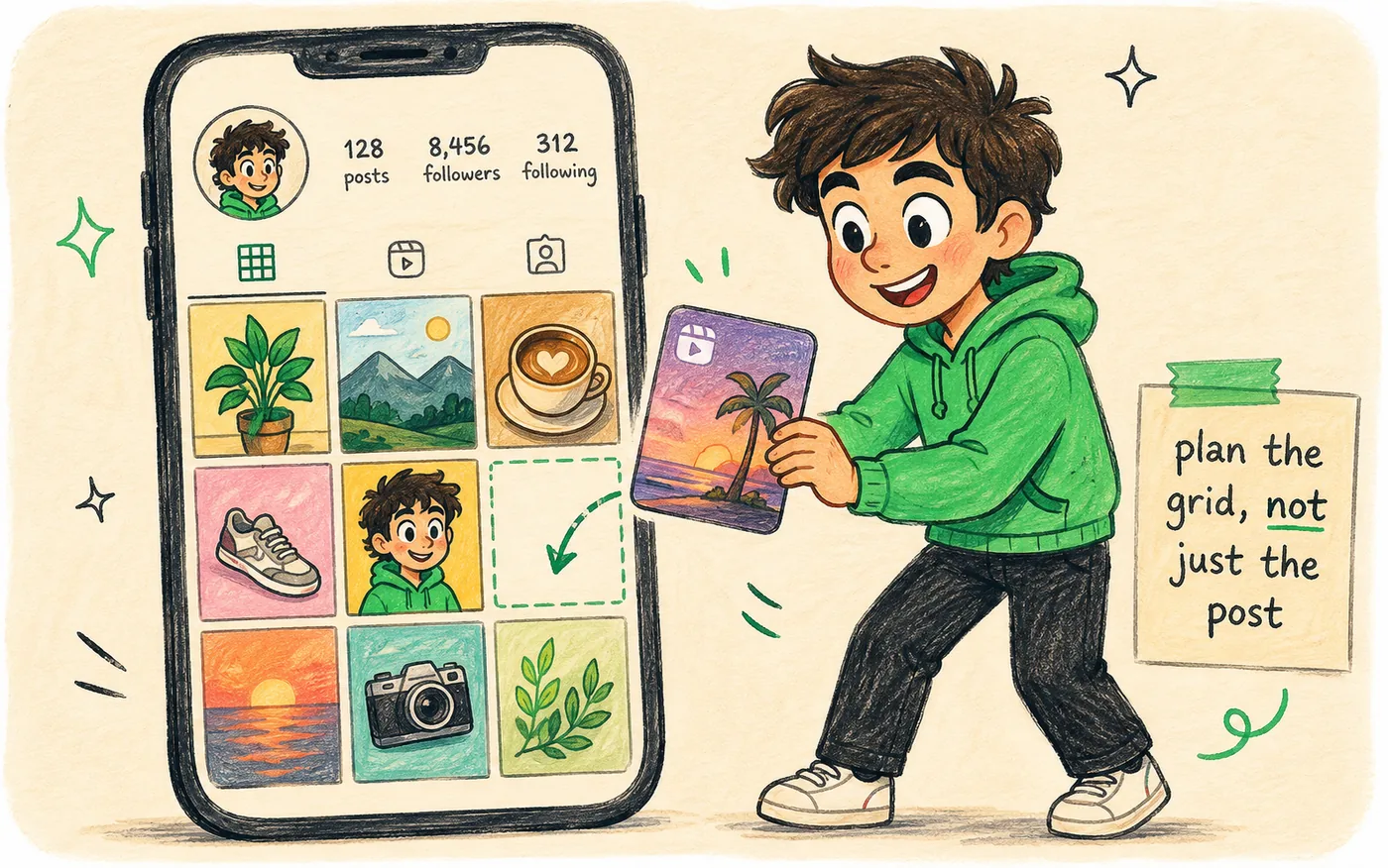
A scheduler with a grid preview lets you see upcoming posts sitting next to each other before they publish. You catch two dark thumbnails landing side by side, or four talking-head covers in a row, and fix it with a drag. Trying to correct that after the fact means deleting posts, which is a bad trade.
None of this means your grid needs a colour theme or a matching filter. That trend passed. It means the grid should look like one person made it on purpose, with enough variety that a stranger can tell what you're about at a glance.
Schedule Instagram, TikTok and Shorts from one calendar. Free to start.
Try it freeSchedule the upload, not the engagement
The most common worry about Instagram scheduling is that it costs you reach. It doesn't, but the reason people believe it is worth understanding, because there's a real effect hiding underneath a wrong explanation.
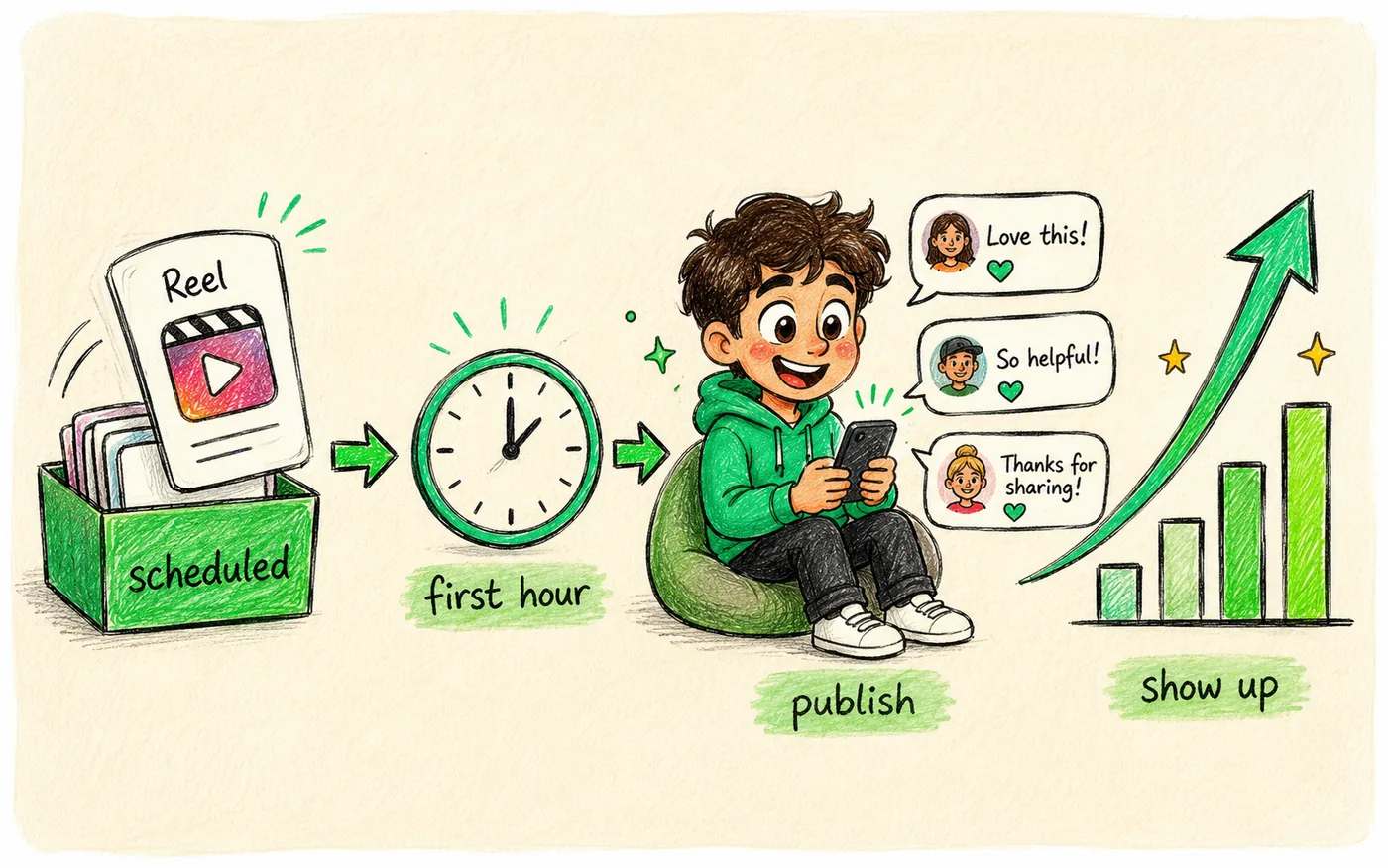
A post published through Instagram's official API is a native post. Instagram cannot tell whether a human tapped share or a scheduler did, because both requests arrive through the same door. The API exists precisely because Meta expects professional accounts to publish this way.
What genuinely moves reach is what happens in the first hour. Instagram watches early comments, saves and shares to decide how far to push a Reel. Someone who posts manually is usually still holding their phone when the post lands, so they reply to the first few comments without thinking about it. Someone who scheduled it is often asleep. Same publishing method, very different first hour.
So the fix isn't to go back to posting by hand. It's to schedule the upload and put a reminder in your phone for the slot, so you're there for ten minutes when it goes out. You get the consistency of a queue and the early engagement of live posting, which is strictly better than either on its own. The same logic applies everywhere, and we unpack it further in why your TikTok isn't getting views.
Common Instagram scheduling problems
Four issues account for nearly every support message on this topic. All four are two-minute fixes if you know what you're looking at.
- The scheduled post failed. Nine times out of ten it's an expired Instagram connection. Reconnect the account in your tool. Meta expires tokens on a schedule you don't control, so check your connections page once a month.
- Stories won't schedule. Limited API support, not a bug in your tool. Post them manually.
- The first comment didn't post. Not every scheduler supports auto first-comment hashtags. Check yours, or put the hashtags in the caption and move on. The difference in reach is smaller than the internet claims.
- The aspect ratio came out wrong. Instagram crops what doesn't fit. Export at the right ratio rather than trusting a tool's auto-crop with your subject's head.
One that isn't on this list: reach dropping right after you start scheduling. That's usually the first-hour problem from the previous section, or an account that was too new to be automated. If posts are getting genuinely zero views rather than low views, that's a different diagnosis entirely, covered in am I shadowbanned.
Batching a week of Instagram in one sitting
Scheduling only pays off if you stop doing it daily. The creators who post to Instagram every day are almost never sitting down every day. They batch, and the batch is where the time saving actually comes from.
| Session | What you do | Time |
|---|---|---|
| Saturday | Film 5 Reels back to back in one setup | 60 min |
| Saturday | Edit and export clean 9:16 files with captions | 45 min |
| Sunday | Write 5 captions, pick cover frames | 20 min |
| Sunday | Queue all 5, check the grid preview | 15 min |
| Mon–Fri | Ten minutes in the comments when each lands | 10 min/day |
That's roughly two and a half hours for a week of Instagram, and most of it is filming you were going to do anyway. Week two runs faster because the account is already connected. Push the same batch to a month and you're into bulk-scheduling territory, and the general habit is covered in content batching for creators.
How far ahead should you schedule Instagram?
Instagram's native tools allow about 75 days. That doesn't mean you should use them.
- One week is the right default for most creators. Long enough to batch properly, short enough that nothing goes stale.
- One month works for evergreen content: tutorials, explainers, anything not tied to a trend or a date.
- Two open slots a week for trends, replies and anything worth reacting to. A queue is a floor, not a cage.
- Never a rigid quarter. You'll abandon it in week three and feel bad about it, which is worse than not planning at all.
The goal is a queue that guarantees you never go silent, with enough room left that posting something spontaneous doesn't feel like breaking a system. If you want a ready-made structure to copy, there's one in a social media posting schedule that actually sticks.
Carousels and photos: the quiet workhorses
Reels get the reach, so carousels and photos get ignored. That's a mistake if you're trying to convert viewers into followers rather than just collect views.
A carousel is the only Instagram format where people voluntarily spend thirty seconds with you. Each swipe is a small commitment, and the save rate on a good carousel is usually several times higher than on a Reel. Saves are what Instagram counts hardest. Ten slides is the ceiling for attention in practice, not the twenty the app allows.
Two things to know before you queue one. The image order locks at schedule time, so check the sequence in the composer rather than fixing it after publishing, which isn't possible without deleting the post. And the first slide is doing the entire job of a thumbnail, a hook and a title at once, so write it last, when you know what the carousel actually says.
Feed photos are the cheapest post you can make. They rarely reach beyond your followers, but they keep the profile looking alive between Reels and they fill grid gaps without costing you an editing session. Use them for behind-the-scenes shots, results, and anything that would be a waste of a Reel slot.
Make it a weekly ritual, not a decision
Consistency on Instagram is almost never a motivation problem. It's a scheduling problem in the calendar sense, not the software sense. If queueing your week is something you do when you feel like it, you will feel like it for about three weeks.
- 1Book the session as a real appointment. Sunday evening works for most people because nothing competes with it. Put it in the calendar with a reminder.
- 2Never start with an empty folder. Film first, schedule second. A queueing session with no content turns into an hour of scrolling for ideas.
- 3Load the whole week in one pass, Instagram and every other platform together, so you only think about captions once.
- 4Check the grid preview and the week view, fix what clashes, then close the laptop.
- 5Set five daily reminders for the ten minutes after each post lands. That's the only daily Instagram work left.
Once this is a habit, daily posting stops feeling daily. You front-loaded it into one calm session, and the rest of the week goes to making the next batch instead of uploading the last one.
Frequently asked questions
Can you schedule Instagram posts in advance?
Yes. With a business or creator account you can schedule feed posts, Reels and carousels, either through Instagram's native planning tools or a third-party scheduler connected via the official API. Native planning covers Instagram alone; a scheduler queues the same content to your other platforms in the same action.
Do I need a business account to schedule Instagram posts?
Yes. Scheduled publishing requires a professional account, meaning business or creator. The switch is free in Settings under Account type, it takes about a minute, and it's reversible. It also unlocks Instagram Insights, which you'll want for finding your real posting windows.
Can you schedule Instagram Stories?
Only partly. Story scheduling has limited API support and it varies between tools, so it's the least reliable thing to automate. Most creators queue posts and Reels, then post Stories manually. Stories expire in 24 hours and work better when they feel spontaneous anyway.
How far in advance can you schedule Instagram posts?
Instagram's native tools allow roughly 75 days ahead. Third-party schedulers vary but generally let you plan as far out as you like. One week is the practical sweet spot for most creators, and a month works for evergreen content that won't age.
Does scheduling Instagram posts hurt your reach?
No. Posts published through Instagram's official API are native posts and the platform can't distinguish them from manual ones. What hurts reach is being absent in the first hour, since early comments and saves drive distribution. Schedule the upload, then show up when it lands.
Why did my scheduled Instagram post fail?
Almost always an expired account connection, which Meta enforces on its own schedule. Reconnect Instagram in your scheduler and republish. If the connection is healthy, check the file next: length, aspect ratio, size and format, in that order. Video failures are nearly always the file.
Bottom line
Scheduling Instagram needs a professional account and a connection through the official API. Queue feed posts, Reels and carousels, plan the grid while you're in there, post Stories by hand, and put a ten-minute reminder in your phone for when each Reel lands so you catch the first hour.
Then stop stopping at Instagram. The same Reel already exists as a clean 9:16 file, and TikTok and YouTube Shorts will take it as-is with a different caption. Queue your first week to Instagram and everywhere else at once — start free.
Put this into practice
Schedule a week of content to every platform in one sitting. Free to start, no card today.
Try Crossposting free