Best Time to Post on Social Media in 2026 (Every Platform)
General peak windows for every platform, and the simple method to find the times that actually work for your audience.
The Crossposting Team
Crossposting.xyz
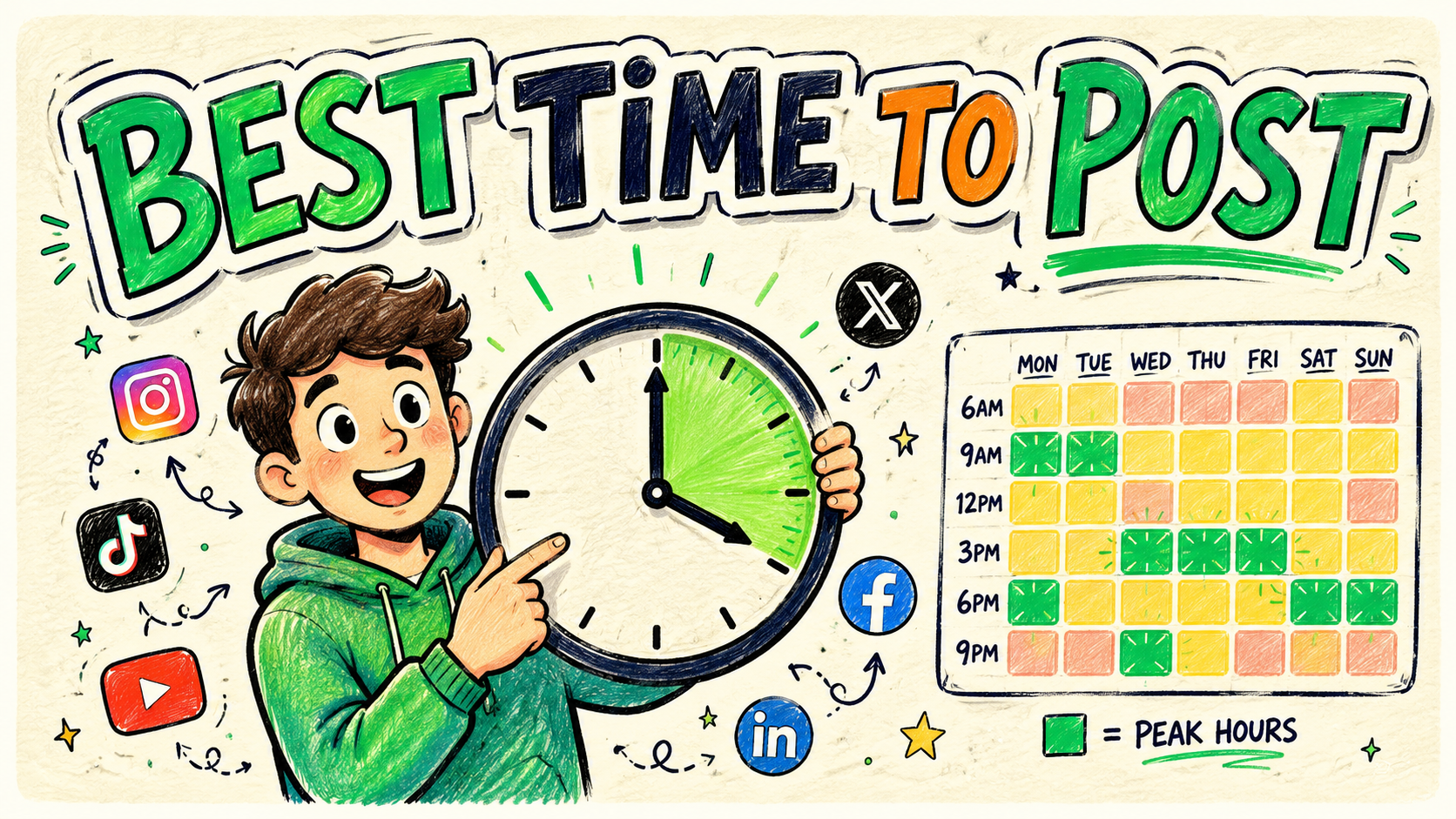
The best time to post on social media in 2026 is generally weekday mornings (7–9am), lunchtime (11am–1pm), and evenings (7–9pm) in your audience's time zone. The exact window shifts by platform, and more importantly by your specific audience. Generic charts are a starting point, not the answer. The times that actually work are the ones your own analytics reveal, and this guide gives you both: the platform-by-platform baselines to start from, and the method to find your real peaks.
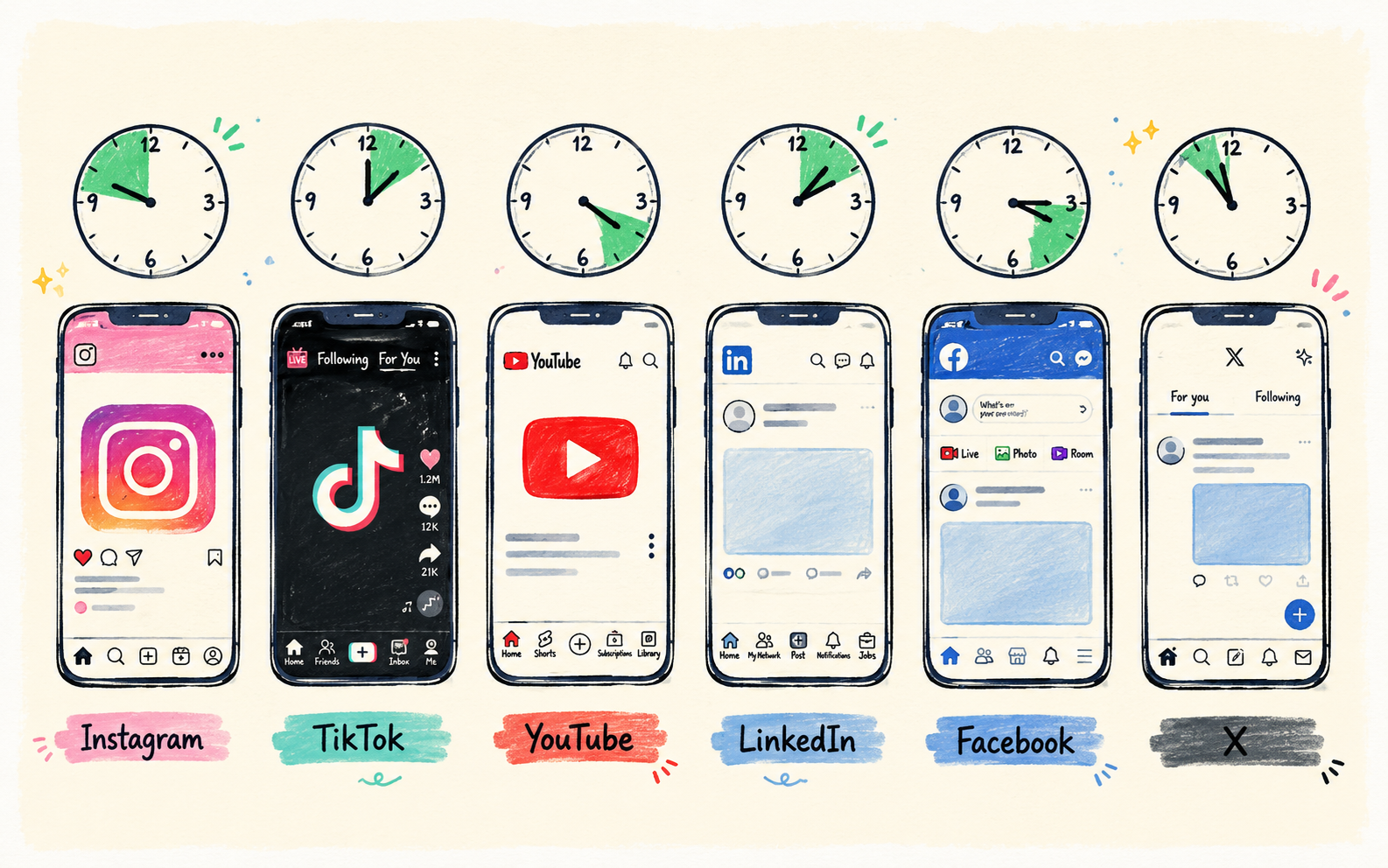
Best times to post, by platform
These are solid defaults to start with. All times are in your audience's local time zone, not yours. If you have no data yet, pick the window that matches your platform and post there for two weeks before changing anything.
| Platform | Best days | Best times | If you post once a day |
|---|---|---|---|
| Mon–Fri | 11am–1pm, 7–9pm | 12pm | |
| TikTok | Tue–Sat | 6–10am, 7–11pm | 8pm |
| YouTube | Thu–Sun | 2–4pm (ahead of evening viewing) | 3pm |
| Tue–Thu | 7–9am, 12pm | 8am | |
| Mon–Fri | 9am–1pm | 11am | |
| X (Twitter) | Mon–Fri | 8–10am, 6–9pm | 9am |
| Threads | Mon–Fri | 9–11am, 8–10pm | 9pm |
| Bluesky | Mon–Fri | 9am–12pm, 6–9pm | 10am |
| Fri–Sun | 8–11pm | 9pm |
Why these windows work
They line up with when people pick up their phones: the morning wake-up scroll, the lunch break, and the evening wind-down. LinkedIn skews earlier and business-day. TikTok, YouTube and Pinterest skew toward evening and weekend entertainment time.
Platform-by-platform, in detail
Lunchtime and evenings on weekdays are strongest, especially for Reels. Instagram leans heavily on early engagement: if a post collects saves, shares and comments in its first hour, the algorithm pushes it to more non-followers. So post when your followers are awake and free to interact, not when they are mid-commute with one hand on a coffee.
One nuance people miss: Stories and feed posts have different rhythms. Stories are consumed in short bursts throughout the day and expire in 24 hours, so morning is safe. Reels get re-surfaced for days, so an evening post still picks up traffic the next morning.
TikTok
TikTok's audience is active early morning and late evening, and weekends are often stronger than weekdays. Because TikTok tests content with a small batch of viewers and can re-surface it days later, exact timing matters less here than anywhere else. It still helps the initial test batch to have real people online, which is why 6–10am and 7–11pm outperform a 3am upload.
If your views have flatlined regardless of when you post, timing is not your problem. Start with why your TikTok isn't getting views instead.
YouTube
Post two to four hours before your audience's peak viewing time, so the video is processed, indexed and ready to be recommended when they log on. For most channels that means early afternoon on Thursday through Sunday, feeding into evening and weekend watch sessions.
YouTube pays out over weeks and months rather than hours, so the minute of upload matters least here of any platform. Consistency of upload day matters more: audiences learn your schedule and come looking.
Strictly a weekday, business-hours platform. Tuesday to Thursday mornings are prime, with a smaller lunchtime bump. Posting evenings or weekends starves your post of the early engagement it needs to get distributed, and LinkedIn's feed is slower to re-surface old content than any other network.
If your posts are landing in a void even at the right hour, the cause is usually format or link placement, not timing. See LinkedIn post not getting impressions.
Mid-morning through early afternoon on weekdays works best, reaching an older audience that checks in during the working day rather than late at night. Facebook's organic reach is the lowest of the major platforms, so timing is a small lever compared to format: native video and photos still outperform link posts by a wide margin.
X (Twitter)
The fastest-moving feed of the lot. A post's useful life is measured in hours, so the morning commute and the evening scroll are the two windows that count. X also rewards frequency more than precision, which means posting three times across those windows beats agonising over one perfectly-timed post.
Threads and Bluesky
Both behave like X but with smaller, more concentrated audiences. Threads peaks late evening as it pulls from Instagram's audience habits. Bluesky skews toward working hours in the US and Europe. On both, replies and conversation drive reach more than the clock does.
Best day of the week to post
Day of week is a bigger lever than hour of day on several platforms, and it is the part most people ignore. The pattern splits neatly into two groups.
- Work-context platforms (LinkedIn, Facebook, X): Tuesday to Thursday are strongest. Monday is crowded with catch-up noise, Friday afternoon drops off a cliff, and weekends are close to dead on LinkedIn.
- Entertainment platforms (TikTok, YouTube, Instagram Reels, Pinterest): Thursday through Sunday are strongest, because people have time to sit and watch rather than skim.
If you publish one piece of content a week, Tuesday or Wednesday is the safest default for a business audience, and Thursday or Friday for a creator audience. If you publish daily, ignore the day question entirely and focus on hitting the same time slot each day so your audience learns the rhythm.
Why the same hour lands differently on each platform
It is tempting to pick one "best time" and post everything then. The problem is that each platform's content has a different lifespan, so the same clock hour does very different work depending on where it lands.
| Platform | Typical post lifespan | How much timing matters |
|---|---|---|
| X (Twitter) | 15 minutes to a few hours | High |
| Instagram feed / Reels | 24–72 hours | Medium-high |
| 24–48 hours | High | |
| 5–6 hours | Medium | |
| TikTok | Days, sometimes weeks | Low-medium |
| YouTube | Weeks to years | Low |
| Months | Very low |
A tweet posted at the wrong hour is simply gone. A Pinterest pin posted at the wrong hour still gets found six months later through search. That single difference explains why timing advice feels contradictory across the internet: the advice is usually correct for the platform the writer had in mind and wrong for the one you are on.
Context matters as much as lifespan. LinkedIn is checked between meetings, so weekday mornings dominate. TikTok and YouTube are entertainment, so evenings and weekends shine. Instagram gets opened all day but peaks at lunch and after work. The same 8am slot is prime on LinkedIn and mediocre on TikTok, because the person holding the phone is in a completely different mindset.
This is why blindly cross-posting everything at one fixed time leaves reach on the table. You do not have to manage it by hand, though. Set each platform's window once in a scheduler and let your cross-posted content drop into the right slot on each network. More on that workflow in how to cross-post to multiple platforms.
Whose time zone actually counts
Every chart on the internet quotes times without saying whose clock it uses. The answer is always your audience's, never yours. A creator in Casablanca with a mostly American audience who posts at a local 8pm is publishing into a 3pm US afternoon, which is one of the weakest slots of the day.
Check the top locations in your platform analytics first. Then handle it one of three ways, in order of preference.
- 1One dominant region. Convert the peak windows in the table above into your local time and schedule against that. Simplest case, and the most common.
- 2Two big regions (for example US and Europe). Pick the window where the two overlap, usually early afternoon in Europe and morning in the US. Or post twice with different captions.
- 3Genuinely global. Stop optimising for the clock and optimise for volume and evergreen formats instead. Search-driven platforms like YouTube and Pinterest reward this far more than feed timing does.
The truth about generic best-time charts
Every "best time to post" chart, including the one at the top of this article, is an average of millions of accounts across every niche and country. Your audience is not the average. A creator whose followers are night-shift nurses has completely different peaks than one whose audience is students, and no published chart will ever know that.
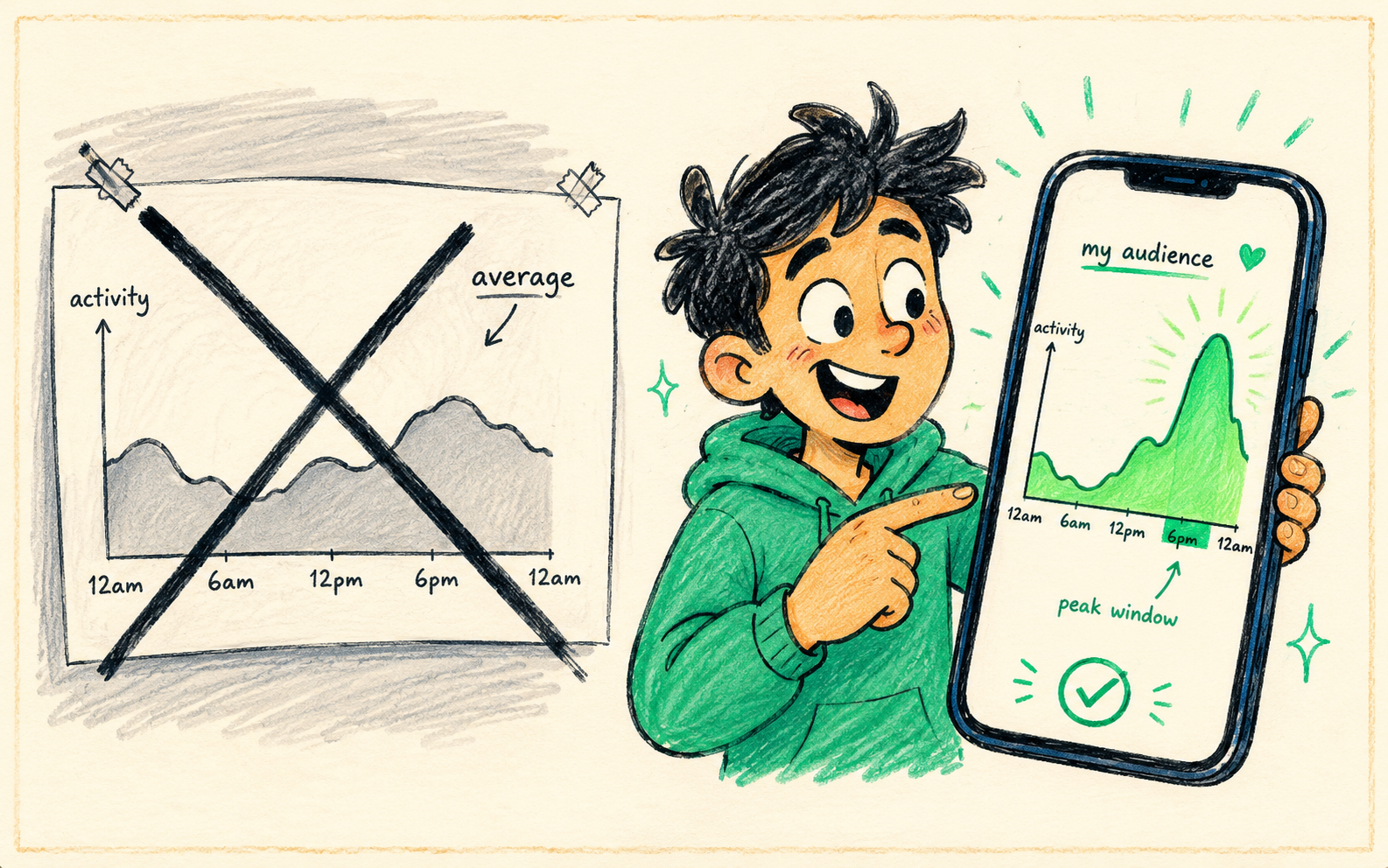
There is a second, quieter problem with generic charts: everyone reads them. When a chart says 12pm is peak on Instagram, a lot of accounts publish at 12pm, and the feed at that moment is more competitive. Posting 30 to 60 minutes off the widely-quoted peak often does better precisely because there is less to compete with. Treat the baselines as a neighbourhood, not an address.
So use them to start, then replace them with your own numbers as soon as you have two weeks of data. The personalised version wins every time.
How to find your own best time to post
Every platform hands you this data for free once you have a business or creator account. It takes about fifteen minutes to set up and beats any article on the internet, including this one.
- 1Open your analytics and find the audience section. Instagram calls it Insights → Total followers → Most active times. TikTok has Analytics → Followers → Follower activity. YouTube shows it under Audience → When your viewers are on YouTube. LinkedIn and Facebook both surface it in page analytics.
- 2Note the peak hours and days for your specific followers, not the platform average. Write down the top three windows.
- 3Post into those windows for two weeks, keeping format and topic as consistent as you can so time is the variable you are testing.
- 4Log reach for every post in a simple sheet: date, time, format, reach, engagement rate.
- 5Refine. Double down on the windows that consistently outperform, drop the ones that don't, and re-check every quarter as your audience grows.
The two-week test, in one line
Vary your posting time deliberately for two weeks, log reach against time in a spreadsheet, and keep everything else constant. Patterns show up faster than you expect, usually one or two windows where your posts reliably outperform.
One caution when you read the results: a single viral post can make a mediocre time slot look brilliant. Use the median of each slot rather than the best result, and give every window at least three posts before you judge it.
How often to post, per platform
Timing questions almost always hide a frequency question. Posting more often is usually the bigger lever, because it gives the algorithm more chances to find an outlier. Here is a realistic baseline that a solo creator can sustain.
| Platform | Sustainable minimum | Growth pace |
|---|---|---|
| 3 per week | 1 per day + Stories | |
| TikTok | 3–4 per week | 1–3 per day |
| YouTube Shorts | 3 per week | 1 per day |
| YouTube long-form | 1 per week | 2 per week |
| 2 per week | 1 per weekday | |
| X (Twitter) | 1 per day | 3–5 per day |
| 3 per week | 1 per day |
Those numbers look brutal until you realise most of it is the same content adapted across networks rather than seven original ideas a day. That is exactly what cross-posting solves, and it is why the frequency column above is achievable without a team. See how to repurpose one video into ten posts.
Timing matters less than consistency
Here is the reality check: posting at the perfect time occasionally loses to posting consistently at a decent time. Reach follows volume, because more posts mean more chances to hit an outlier, and outliers are what actually grow an account. Nail the general window, then focus on showing up every day rather than obsessing over the perfect minute.
There is a compounding effect too. When you publish at roughly the same time each day, your regulars start expecting it. That early, reliable engagement from people who came looking for you is worth more to the algorithm than a slightly better slot with a cold audience.
Schedule every platform into its best window in one sitting. Try Crossposting free.
Try it freeFive mistakes that cost more than bad timing
- A weak first three seconds. No posting time saves a video people swipe past. Fix the hook before you fix the clock.
- Posting and disappearing. Replying to comments in the first hour feeds the exact early-engagement signal every platform measures. Schedule your posts for times you can actually be around.
- One caption everywhere. A LinkedIn caption dropped straight onto TikTok reads as spam. Adapt per platform, even if the media file is identical.
- Chasing the chart every week. Changing your schedule constantly destroys the data you need to learn from. Give any schedule at least two weeks.
- Ignoring format fit. Vertical video on Instagram and TikTok, native uploads over links on Facebook, text-first on LinkedIn. Format outweighs timing on every network.
Making good timing automatic
The practical move is to stop making this a daily decision. Batch your content once a week, assign each platform its peak window, and let a scheduler publish into those slots while you are asleep or working.
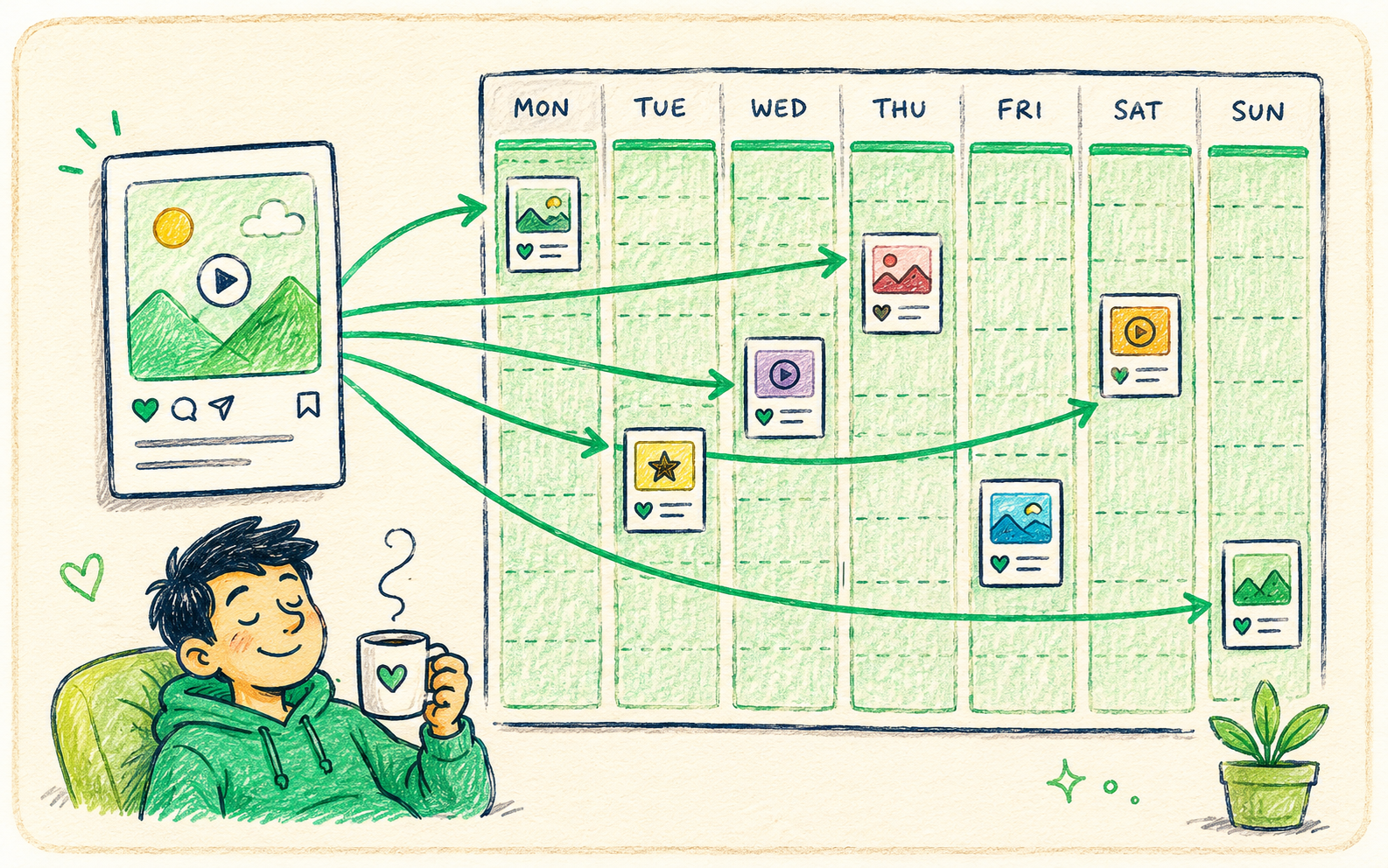
- 1Batch on one day. Write and edit a week of content in a single sitting so publishing never competes with creating.
- 2Write one core caption, then adapt it per platform: shorter for X, longer and text-first for LinkedIn, hook-first for TikTok and Reels.
- 3Drop each version into that platform's window rather than publishing everything at the same minute.
- 4Leave the two best slots for your strongest content and use the weaker slots for lower-stakes posts.
- 5Review reach monthly and shift your windows if the data has moved.
That whole loop takes about an hour a week once it is set up. Full walkthrough in how to schedule social media posts, and a ready-made weekly grid in a social media posting schedule that sticks.
Frequently asked questions
What is the best time to post on social media?
Generally weekday mornings (7–9am), lunchtime (11am–1pm), and evenings (7–9pm) in your audience's time zone. The exact window varies by platform and audience: LinkedIn peaks on weekday mornings, while TikTok and YouTube skew toward evenings and weekends. Your own analytics reveal the times that actually work for you.
What is the best time to post Reels on Instagram?
Weekday lunchtimes (11am–1pm) and evenings (7–9pm) are strong defaults for Reels. Instagram rewards early engagement, so post when your followers are awake and likely to interact within the first hour. Check Instagram Insights under Total followers for your audience's specific active times.
What is the best day of the week to post?
Tuesday to Thursday for work-context platforms like LinkedIn, Facebook and X. Thursday to Sunday for entertainment platforms like TikTok, YouTube and Instagram Reels. If you post daily, day of week stops mattering and hitting a consistent time slot matters more.
Does posting time really matter?
It matters, but less than consistency and far less than the quality of your first three seconds. Posting at a decent time every day beats posting at the perfect time occasionally, because reach follows volume. Nail the general window, then focus on showing up daily.
How do I find my own best time to post?
Open your platform analytics with a business or creator account and find when your audience is active. Post into those peak hours for two weeks, log the reach of each post against its posting time, and keep the windows that consistently outperform. Your personalised data always beats a generic chart.
Which time zone should I use when scheduling?
Your audience's, not your own. Check the top locations in your analytics and convert the peak windows into that time zone. If your audience splits across two regions, post in the overlap window or publish twice with adapted captions.
Bottom line
Start with the general peaks, weekday mornings, lunch and evenings adjusted per platform, then replace them with your own analytics as soon as you have two weeks of data, because your audience beats any average. Remember that consistency outweighs perfect timing, and that a strong hook outweighs both. Schedule into sensible windows, post daily, and let volume do the heavy lifting.
Queue every platform into its peak time automatically. Try Crossposting free.
Put this into practice
Schedule a week of content to every platform in one sitting. Free to start, no card today.
Try Crossposting free