Best Social Media Scheduler for Creators in 2026 (Honest Picks)
What actually matters in a scheduler when you're a creator, not an agency — and the tools worth your money in 2026.
The Crossposting Team
Crossposting.xyz
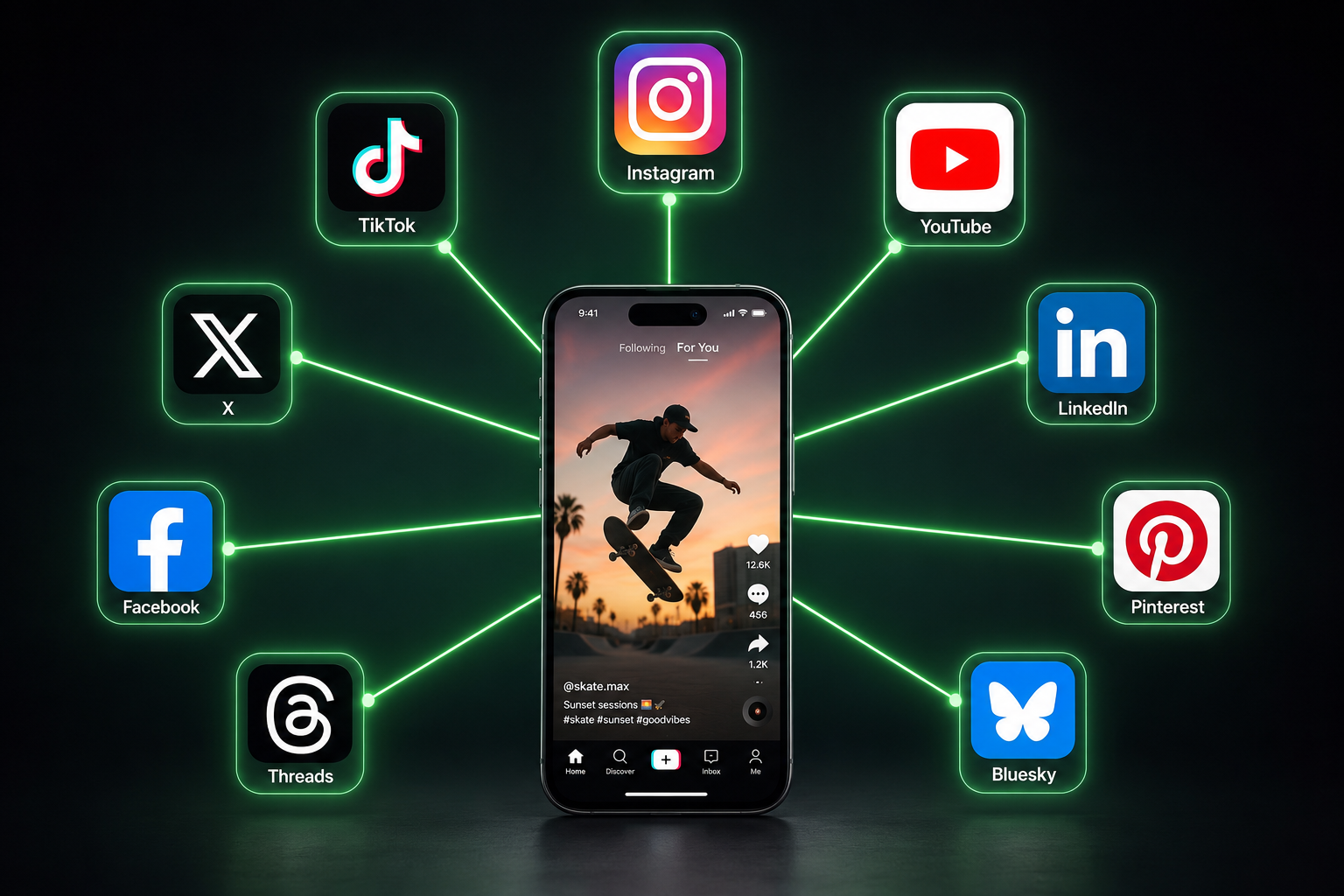
The best social media scheduler for a creator is the one that publishes native content to every platform you use, lets you write captions per network, shows your week on a calendar, and doesn't charge agency prices for features you'll never touch. That rules out most of the "all-in-one marketing suites" and points toward lean, creator-first tools.
This guide breaks down what actually matters when you're a solo creator or small brand, how the main options compare, and how to pick without overpaying. No fake five-star roundup, no affiliate padding.
Why creators need a different scheduler than agencies
Most "top scheduler" lists rank tools built for marketing teams: approval workflows, seat-based billing, client reporting, inbox management. You don't need any of that. You need to get one clip onto nine feeds and get back to making content.
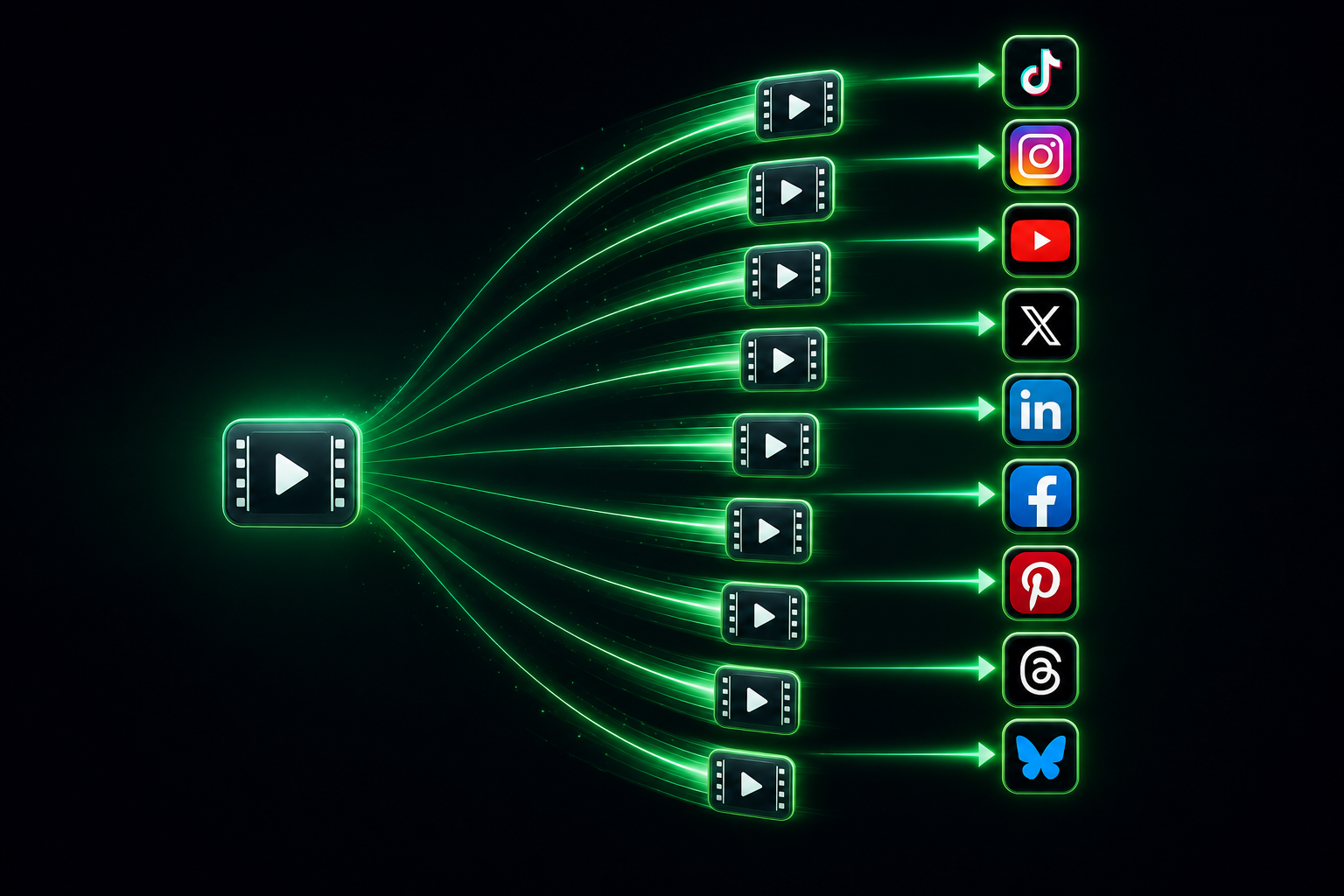
As a creator, your job to be done is narrow: publish everywhere, fast, without your account getting throttled. So the features that matter are also narrow.
What actually matters
- True cross-posting to every platform you use, with native uploads (not links). See how to cross-post to multiple platforms for why native matters.
- Per-platform captions so one idea gets the right wrapper on each network.
- A visual calendar you can fill in one sitting and forget.
- Honest pricing that scales with a creator budget, not per seat.
- Support from a human when a connection breaks the day you need to post.
What doesn't
- Team approval chains and role permissions.
- A unified social inbox for DMs and comments.
- Enterprise analytics dashboards you'll open twice.
- AI features bolted on to justify a higher tier.
How we compared the tools
Every scheduler below is judged on the five creator criteria: platform coverage, native cross-posting quality, calendar usability, price for a solo user, and support. Prices move often, so treat the tiers as ballpark and confirm the current number before you subscribe.
The best social media schedulers for creators in 2026
1. Crossposting — best for creators posting to everything
Crossposting is built around the exact loop this article describes: drop one clip, adapt the caption per platform, and publish or schedule to all nine networks from a single dashboard. It covers Instagram, TikTok, YouTube, X, LinkedIn, Facebook, Pinterest, Threads and Bluesky, handles file specs automatically, and keeps pricing on a creator scale instead of a per-seat one.
- Best for: solo creators and small brands who post daily across many platforms.
- Strengths: wide native coverage, per-platform captions, visual calendar, human support, honest pricing.
- Trade-off: it's focused on publishing, not a full social-inbox suite. If you want DM management in the same tool, it's not that.
2. Buffer — clean and simple, lighter coverage
Buffer is the long-standing simple option. The interface is friendly and the free plan is genuinely usable for a few channels. Where it gets tighter for creators is short-form video coverage and the fact that costs climb as you add channels. If you only post to two or three networks, it's a fine starting point. For more, see the best Buffer alternatives.
3. Later — visual-first, Instagram-leaning
Later started as an Instagram planner and still shines for visual grid planning. If Instagram and Pinterest are your world, the drag-and-drop visual calendar is pleasant. Coverage of newer text networks is thinner, and pricing tiers can gate the posting volume creators want.
4. Publer — feature-dense, slight learning curve
Publer packs a lot in: bulk scheduling, recycling, watermarking, analytics. Power users like it. The trade-off is a busier interface and a settings maze that can slow down a simple "post this everywhere now" job.
5. Hootsuite — powerful, priced for teams
Hootsuite is the enterprise incumbent. It does everything, including a lot you won't use, and the price reflects that. For a solo creator it's usually overkill. It earns its place on this list only because people search for it, not because it fits a creator budget.
Feature comparison at a glance
Qualitative on purpose, because exact features and prices shift. Verify current details on each site before deciding.
| Tool | Platform coverage | Native cross-post | Calendar | Creator price |
|---|---|---|---|---|
| Crossposting | 10 platforms | Strong | Visual | $ |
| Buffer | Core networks | Good | Simple | $ / free |
| Later | Visual-first | Good (IG/Pin) | Visual | $$ |
| Publer | Broad | Strong | Dense | $$ |
| Hootsuite | Broad | Good | Full | $$$ |
What a scheduler is really buying you: time
The pitch isn't features. It's the hour a day you get back. Posting one clip to nine platforms by hand (export, open app, upload, caption, switch account, repeat) runs about an hour when you include the app-switching tax. A scheduler collapses that to a few minutes of setup, once, for the whole week.
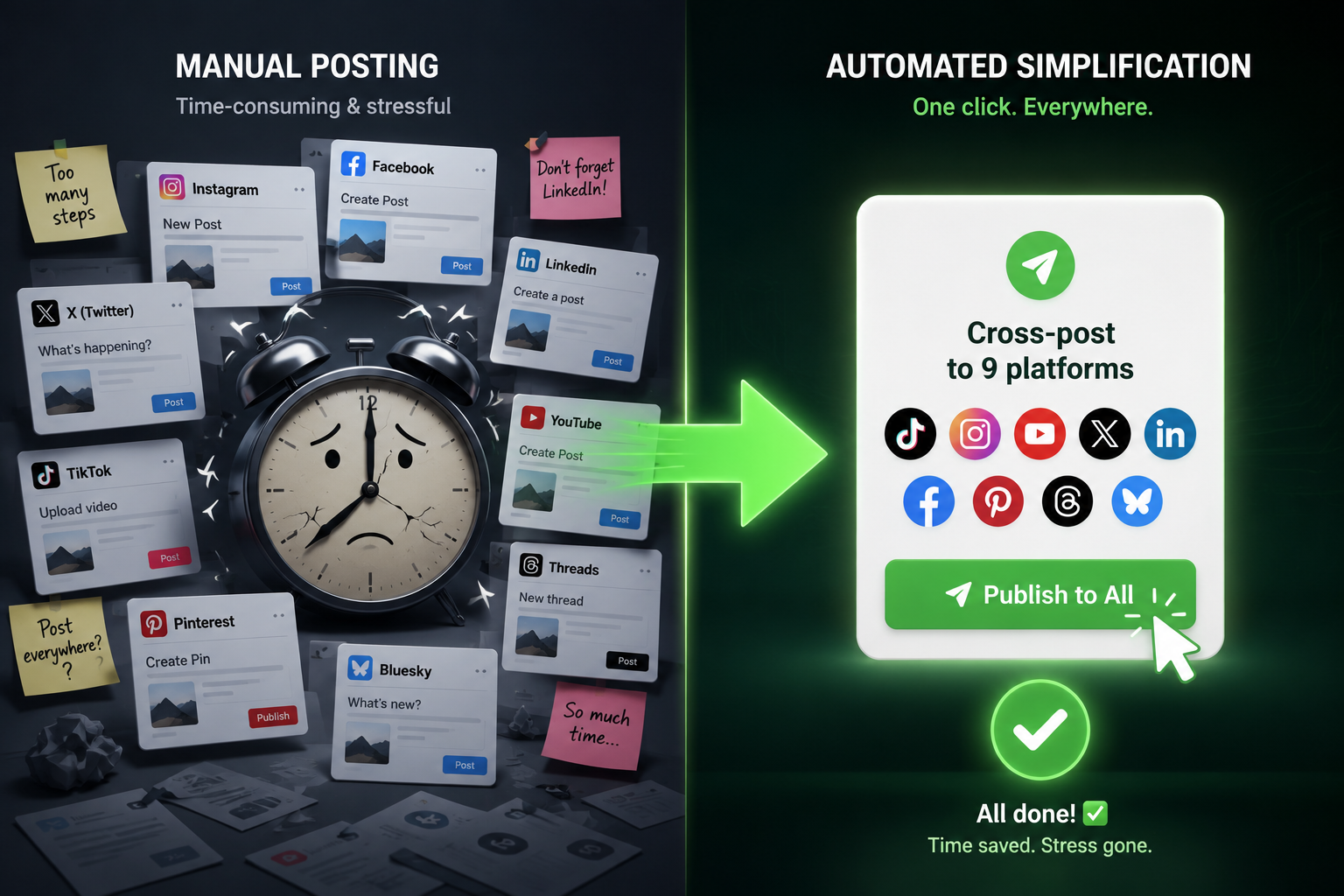
That time saving isn't vanity. Friction decides frequency. When posting costs an hour, you post three times a week. When it costs five minutes, you post daily, everywhere. That jump in volume is where reach comes from. More on the math in why posting daily beats posting perfectly.
How to choose in five minutes
- 1List your platforms. If you post short-form video everywhere, prioritize coverage and native uploads. If you live on Instagram, a visual-first tool may fit.
- 2Check the free trial, not the marketing page. Publish one real post to every platform and see what breaks.
- 3Match the price to your stage. Don't pay agency tiers as a solo creator. Start on the plan that covers your networks and upgrade only when volume demands it.
- 4Test support. Send one question before you pay. The reply time tells you what a broken connection will feel like on a launch day.
Try the creator-first scheduler free. Publish to all nine platforms today.
Try it freeHow each tool handles short-form video
For creators in 2026, short-form video is the whole game, so how a scheduler treats Reels, TikToks, and Shorts matters more than any other feature. This is where a lot of "top scheduler" lists quietly fall apart, because tools built for the text-and-image era bolt video on as an afterthought.
Three things separate a video-ready scheduler from one that just claims to support video:
- Native publishing, not reminders. Some tools can't actually post a Reel or TikTok for you — they send a phone notification reminding you to do it manually. That defeats the purpose. Confirm the tool publishes video directly through the official API.
- Automatic format handling. A good tool checks your file against each platform's spec (aspect ratio, length, codec) and processes it so nothing gets rejected mid-queue.
- Thumbnail and cover control where the platform allows it, so your Reel and Short don't post with an awkward frozen frame.
Before you commit to any scheduler, run one real short-form video through it to every platform you use. If it posts natively everywhere without a manual step, it's video-ready. If it nags you to finish the post by hand, it isn't.
Mistakes creators make when picking a scheduler
Most scheduler regret comes from choosing on the wrong criteria. Avoid these four traps.
Paying for features built for teams
Approval workflows, seat-based billing, and client reporting are priced into most "leading" tools. As a solo creator you subsidize features you'll never open. Pick a tool priced for one person doing the posting.
Choosing on channel count alone
"Supports 15 platforms!" means nothing if the three you actually use are handled poorly. Coverage quality beats coverage quantity. Check that your specific platforms publish natively.
Ignoring the calendar until it's too late
A composer that posts is table stakes. What saves your week is a visual calendar you can scan, drag, and rearrange. Test the calendar view, not just the publish button, before you buy.
Skipping the support test
The day a connection breaks is the day you're launching something. Send one question to support before you pay. A slow or bot-only reply tells you exactly how a broken account will feel.
What we'd pick, by scenario
To make it concrete, here's the honest recommendation for common creator situations.
| Your situation | Best fit | Why |
|---|---|---|
| Posting video to many platforms daily | Crossposting | Broad native coverage, creator price |
| Just Instagram + one other | Buffer or Later | Simple, cheap, enough |
| Instagram/Pinterest visual planning | Later | Best visual calendar |
| Power user who wants every knob | Publer | Feature depth |
| Agency with clients and approvals | Hootsuite | Team workflows |
Notice the pattern: the more platforms you post to and the more it's video, the more a focused cross-posting tool wins. The narrower and more visual your needs, the more a simple or visual-first tool fits.
How to switch schedulers without missing a day
If you're moving from an existing tool, do it in order so your posting never stops.
- 1Connect your accounts in the new tool while the old one still runs.
- 2Rebuild one week of your queue in the new tool as a live test.
- 3Publish one real post to every platform to confirm nothing breaks.
- 4Move the full schedule over, then cancel the old tool once you're confident.
For the head-to-head on the biggest names, see Buffer vs Hootsuite vs Crossposting, and for lighter options, the best Buffer alternatives.
Features worth paying for vs features that are noise
Scheduler marketing pages list dozens of features to justify their price. Most creators need six of them and can ignore the rest. Here's how to tell the difference so you don't overpay for a longer feature list.
| Feature | Worth it for creators? | Why |
|---|---|---|
| Native multi-platform publishing | Essential | The entire job |
| Per-platform captions | Essential | One idea, right wrapper each |
| Visual calendar | Essential | Plan and rearrange the week |
| Bulk upload | Very useful | Queue a month in minutes |
| Basic analytics | Useful | See what's working |
| Social inbox / DMs | Optional | Nice, but rarely worth the price jump |
| Team approvals | Skip (solo) | Built for agencies |
| AI caption writer | Skip | Easy to do yourself, inflates tiers |
The rule: pay for the tools that get your content out the door and let you see the results. Everything else is a tier-inflator you can live without until you're a team.
Frequently asked questions
What is the best free social media scheduler for creators?
Most creator-friendly tools offer a free tier for a limited number of channels or posts. Buffer's free plan is a common starting point for a few networks. For posting to many platforms at once, look at what each free plan actually unlocks — some cap the platforms that matter most. See our guide to free schedulers for the details.
Can I schedule to Instagram, TikTok and YouTube from one tool?
Yes. A dedicated cross-posting scheduler like Crossposting connects Instagram, TikTok and YouTube (plus six more) and publishes a native upload to each from a single dashboard.
Do schedulers hurt your reach?
No, when they publish native files through official APIs. Reach drops when you post links between platforms or blast identical content in one burst — a habit, not a tool problem.
How much should a creator pay for a scheduler?
As a solo creator you should be on a low single-digit-to-low-double-digit monthly plan, not an agency tier. Pick the cheapest plan that covers all your platforms and upgrade only when your posting volume forces it.
The short answer
If you post to many platforms and want the fastest path from one clip to nine feeds, a focused cross-posting scheduler beats a bloated marketing suite every time. Match the tool to your platforms, test it on real posts, and don't pay for features built for teams you don't have.
Want to see the creator-first version in action? Start free and schedule your first week across every platform.
Put this into practice
Schedule a week of content to every platform in one sitting. Free to start, no card today.
Try Crossposting free