How to Cross-Post to Multiple Social Media Platforms (2026 Guide)
The full workflow for posting one piece of content to nine platforms — without tripping spam filters or killing your reach.
The Crossposting Team
Crossposting.xyz
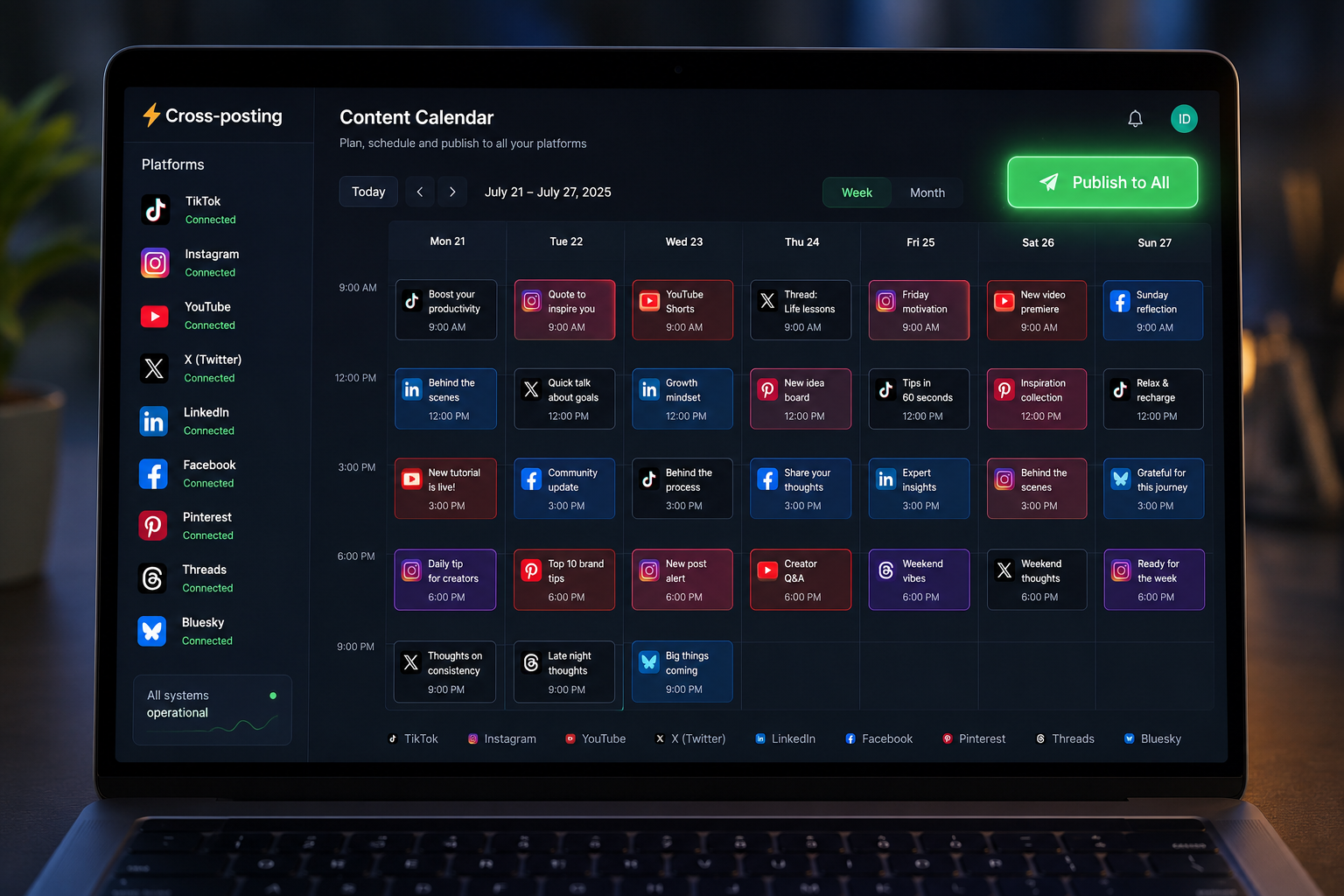
Cross-posting means taking one piece of content and publishing it to several social platforms, adapted so it fits each one natively. Done right, it turns a single video or graphic into reach on nine networks for the same effort it took to make one. Done wrong, it gets your posts throttled, watermarked into oblivion, or flagged as spam.
This guide gives you the exact workflow we use to publish to TikTok, Instagram, YouTube Shorts, X, LinkedIn, Facebook, Pinterest, Threads and Bluesky from one place. You'll get the per-platform rules that actually break things, a universal video spec that plays everywhere, a pre-publish checklist, and fixes for the problems that trip people up.
What cross-posting actually is (and what it isn't)
There are two things people call "cross-posting," and mixing them up is where reach goes to die.
Native cross-posting is uploading a fresh copy of your content to each platform's own composer, so every network treats it as original. Lazy cross-posting is sharing a link from one app to another, or letting Instagram auto-share to Facebook with the little logo baked in. The first builds reach on every platform. The second tells each algorithm your content came from somewhere else, and they bury it.
If you want the full primer, read what cross-posting is and why it works. The short version: upload native files everywhere, and never make one platform advertise for another.
Why cross-post to multiple platforms in 2026
Attention is split across more apps than ever, and no single algorithm is loyal to you. Here's the case for spreading one idea across all of them.
You buy more lottery tickets for the same content
Organic reach follows a power law. A handful of your posts go big, most do modestly, and you cannot predict which is which before you hit publish. Each platform is a separate draw. Posting one clip to one app buys one ticket. Posting it to nine buys nine, at no extra production cost. Over a few hundred posts, that difference is the entire game.
Your audience is fragmented, not missing
The person who never opens TikTok lives on LinkedIn. The one who ignores LinkedIn scrolls Reels every night. Being on one platform means you only reach the slice of your audience that happens to prefer it. Cross-posting meets people where they already are instead of asking them to move.
Omnipresence builds trust fast
When someone sees your face on Shorts, then your post on X, then your carousel on Instagram in the same week, you stop being a stranger. Showing up in three places reads as "this brand is everywhere," even at a small following. That perception compounds into follows, saves, and eventually sales.
Crossposting publishes one upload to all nine platforms at once. Free to start.
Try it freeThe biggest cross-posting mistake
Almost everyone makes the same error: they treat cross-posting as copy-paste. Same caption, same aspect ratio, same hashtags, same everything, blasted everywhere in one identical burst.
Platforms are built to detect exactly that. Identical text posted to five networks inside the same minute looks automated, because it is. A vertical TikTok reposted to LinkedIn with #fyp still attached looks lazy to LinkedIn's audience and its ranking model. The fix isn't posting less. It's adapting the packaging while keeping the core idea the same.

How to cross-post successfully: the 4-step workflow
This is the loop. Once it's a habit, a week of content across nine platforms takes about twenty minutes.
Step 1: Create one master asset that works everywhere
Shoot or design once, in the format that travels furthest. For video, that's a 9:16 vertical clip, under 60 seconds, with the hook in the first second and captions burned in. That single file is natively accepted by TikTok, Reels, Shorts, Facebook Reels and Pinterest, and it embeds cleanly on X, Threads, LinkedIn and Bluesky.
- Keep critical text and faces inside the center 80% so nothing gets cropped by a platform's UI.
- Burn in captions. Most feeds autoplay muted, and captions lift watch time on every network.
- Never leave a watermark. A TikTok logo on a Reel is a reach penalty on Instagram.
Step 2: Customize for each platform
You're not rewriting the content. You're adjusting three small things per platform: the caption length, the hashtags, and the call to action.
- X and Bluesky: trim to one or two punchy lines. Long captions get cut off.
- LinkedIn: open with a hook line, add two or three short paragraphs of context, drop the emoji count.
- Instagram and TikTok: front-load the value, then 3–5 relevant hashtags, not 30.
- Pinterest: treat the caption like search text. Describe what the video shows in plain keywords.
Step 3: Schedule strategically (batching is the cheat code)
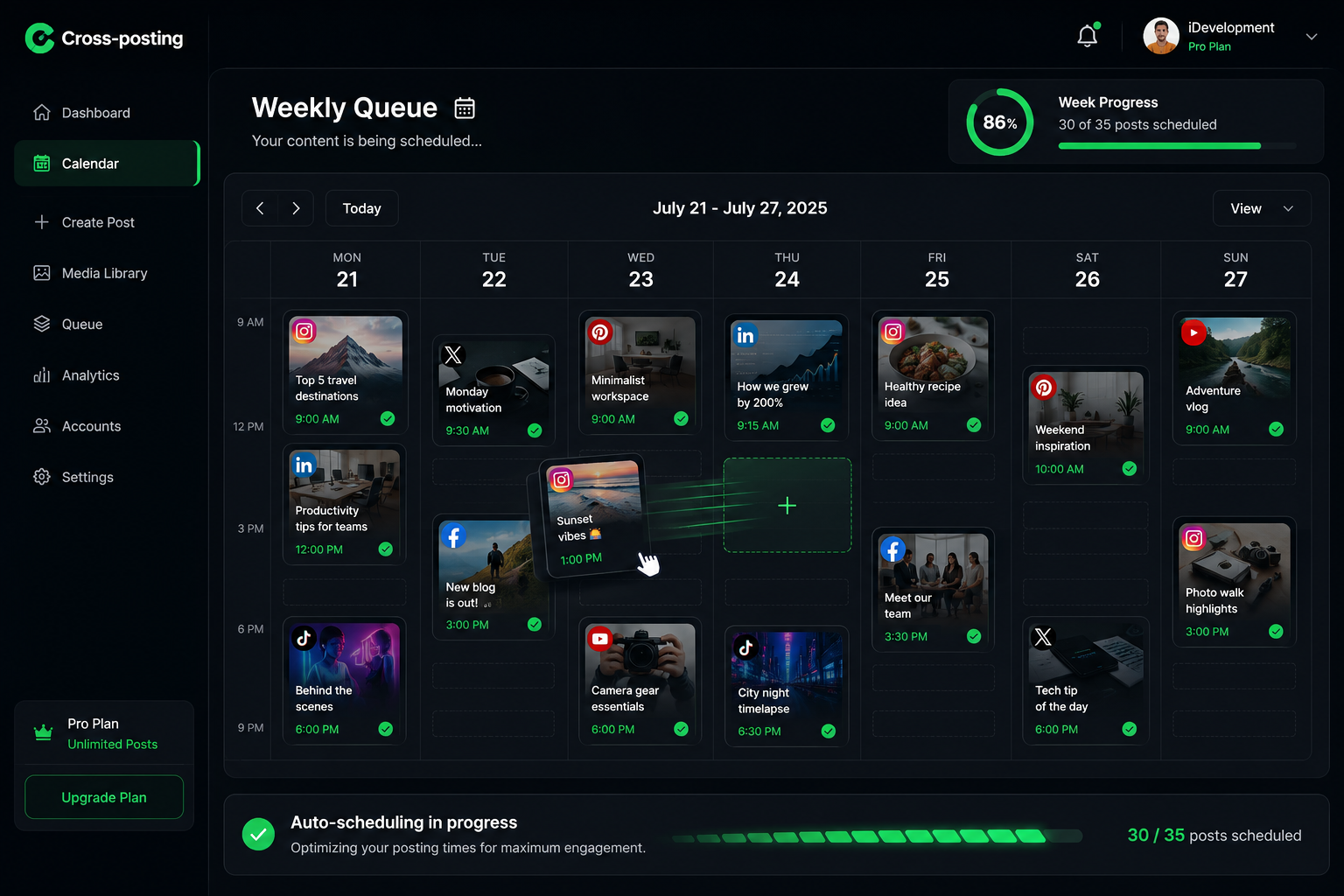
Don't post nine things live, one app at a time, every day. Batch a week in one sitting. Pick your clips, write the caption variations once, drop them into a scheduler, and let the queue publish at each platform's best time. Batching is what turns "I'll post when I remember" into a system that runs without you. For the mechanics, see how to schedule social media posts.
Step 4: QA before you publish
Thirty seconds of checking saves hours of regret. Before the queue goes out, confirm the right video is attached to each platform, captions read correctly per network, no watermark slipped through, and links point where you meant. One wrong file on your biggest account is worse than posting a day late.
Platform-specific cross-posting rules (what breaks where)
Same clip, nine different machines. Here's what each one wants and what quietly breaks if you ignore it.
X (Twitter)
Upload the video file directly. Never post a link to your TikTok, because the algorithm suppresses posts that send people off-platform. Keep the caption to one or two lines. Native video under 2:20 gets the most reach.
Instagram (Reels)
Post as a Reel, not a feed video. Use a clean file with no TikTok watermark. Instagram weighs sends-to-friends and saves heavily, so a caption that invites a share ("tag someone who needs this") outperforms pure information. Add a cover frame so the grid looks intentional.
TikTok
Completion rate is the first gate. Shorter clips that get watched fully beat longer clips watched halfway. Put the payoff early. Add 3–5 specific hashtags, skip the generic #fyp spam, and post from a warm account.
YouTube Shorts
Under 60 seconds, vertical, with a title that reads like a search query. Shorts is the slowest to pop and the longest to pay out, and YouTube will keep re-testing an old Short for months. Never judge one in its first week.
Native video only, no external links in the main post (put them in the first comment). Lead with a text hook because many people watch muted and read first. Professional framing beats meme energy here.
Facebook (Reels)
Facebook Reels reaches a broad, older audience and rewards relatability. Upload native, keep it under 90 seconds, and don't rely on trending TikTok audio that may not be licensed on Facebook.
Pinterest is a search engine, not a feed. Your caption and title should describe the video in plain keywords people would type. A single video pin can drive traffic for months, long after a Reel has gone quiet.
Threads
Conversational and text-first. Video works, but a short written hook with the clip attached tends to travel further than a bare upload. Reply to comments quickly; Threads rewards active conversation.
Bluesky
Similar to early X: text-forward, link-tolerant, and less algorithmic. Post the native clip with a tight caption. Reach here is smaller but the audience is engaged and links aren't punished the way they are on X.
Universal video specs for cross-posting
Export one file to these specs and it plays natively on every major platform. No re-rendering per app.
| Spec | Universal setting | Why |
|---|---|---|
| Aspect ratio | 9:16 vertical | Full-screen on every short-form feed |
| Resolution | 1080 × 1920 | Sharp on mobile, accepted everywhere |
| Length | Under 60 seconds | Fits Shorts' cap and TikTok completion rates |
| Format | MP4 (H.264) | Universally supported, small file size |
| Captions | Burned in | Feeds autoplay muted |
| Safe zone | Center 80% | Avoids UI cropping on every app |
| Watermark | None | Prevents cross-platform reach penalties |
7 rules to cross-post without getting flagged as spam
- 1Never post identical content to multiple accounts on the same platform. Two of your own IG accounts posting the same Reel is the fastest way to a shadowban. If you're worried about that, read cross-posting without getting shadowbanned.
- 2Upload fresh files, not links. A native upload ranks. A link to another platform gets suppressed.
- 3Remove watermarks before cross-posting. Every platform down-ranks content stamped with a competitor's logo.
- 4Keep the idea consistent, not the exact packaging. Vary captions and hashtags per network so it doesn't read as automated.
- 5Schedule like a human. Space posts out across the day instead of firing all nine in the same 60 seconds.
- 6Accept that some features don't transfer. Polls, stickers, and platform-native effects live on one app only. Don't force them.
- 7Respect API limits. You can't hack around a platform's posting caps, and trying gets your account flagged.
How Crossposting makes this effortless
Everything above is doable by hand. It just costs an hour a day and most people quit by week two. A scheduler collapses that hour into one upload.
- One dashboard, nine networks. Drop the clip once, pick your accounts, publish or schedule.
- Per-platform captions without starting over. Write the master caption, tweak per network in the same view.
- A visual calendar. See the whole week, drag posts to reschedule, spot gaps at a glance.
- Automatic format handling. Files are processed to each platform's specs so nothing gets rejected.
- Creator-friendly pricing. Built for people posting daily, not enterprise teams with a budget to burn.
Stop switching between nine apps. Publish everywhere from one screen.
Try it freePre-publish checklist for cross-posting
Run this before any batch goes live. Save it, screenshot it, whatever keeps it in front of you.
- Master video is 9:16, under 60s, captions burned in, no watermark.
- Caption adapted per platform (length, hashtags, CTA).
- Correct file attached to each account.
- Links point to the right place and sit where each platform allows them.
- Posting times staggered, not identical.
- Cover frame or thumbnail set where it matters (IG, Shorts).
Common cross-posting problems (and fast fixes)
"My post failed on one platform"
Usually a spec mismatch or an expired account connection. Re-check the file against the specs table, then reconnect the account. If it's one platform out of nine, it's almost never your content.
"It posted but got zero views"
Zero (not low, exactly zero) usually means a throttled or cold account, not a bad post. Stop posting for 48 hours, engage manually, then resume at one post a day. If it's TikTok specifically, work through why your TikTok isn't getting views.
"My Shorts thumbnail won't set"
YouTube only lets you set a custom Shorts thumbnail in some regions and app versions. Until it's available to you, design the first frame of the clip to work as the thumbnail.
Frequently asked questions
Is it okay to post the exact same content across different platforms?
Yes, as long as it's a native upload with no watermark and you vary the caption and hashtags per platform. Posting a byte-for-byte identical caption to five networks in the same minute is what looks like spam, not the content itself.
Will I get banned for cross-posting to many accounts?
Cross-posting one piece of content to your accounts on different platforms is fine and encouraged. What gets flagged is posting the same content to multiple accounts on the same platform, or blasting everything in an identical automated burst.
What's the best tool for cross-posting?
A dedicated cross-posting scheduler that publishes native files to each platform, lets you customize captions per network, and offers a visual calendar. Crossposting does all three from one dashboard across nine platforms.
Do I need to be on every social platform?
No. Start with the two or three where your audience actually is, get the workflow tight, then expand. Cross-posting makes adding a platform nearly free once your master asset exists.
How do I avoid looking spammy when cross-posting?
Upload fresh files, remove watermarks, vary captions and hashtags per platform, and stagger your posting times instead of firing everything at once.
Start cross-posting smarter today
Cross-posting isn't about working harder across more apps. It's about making content once, adapting the wrapper, and letting a system publish it everywhere while you go build the next thing. Pick your master format, write the four-step loop into your week, and let volume do what polish can't.
When you're ready to stop copy-pasting between nine tabs, try Crossposting free and schedule your first week to every platform in one sitting.
Put this into practice
Schedule a week of content to every platform in one sitting. Free to start, no card today.
Try Crossposting free